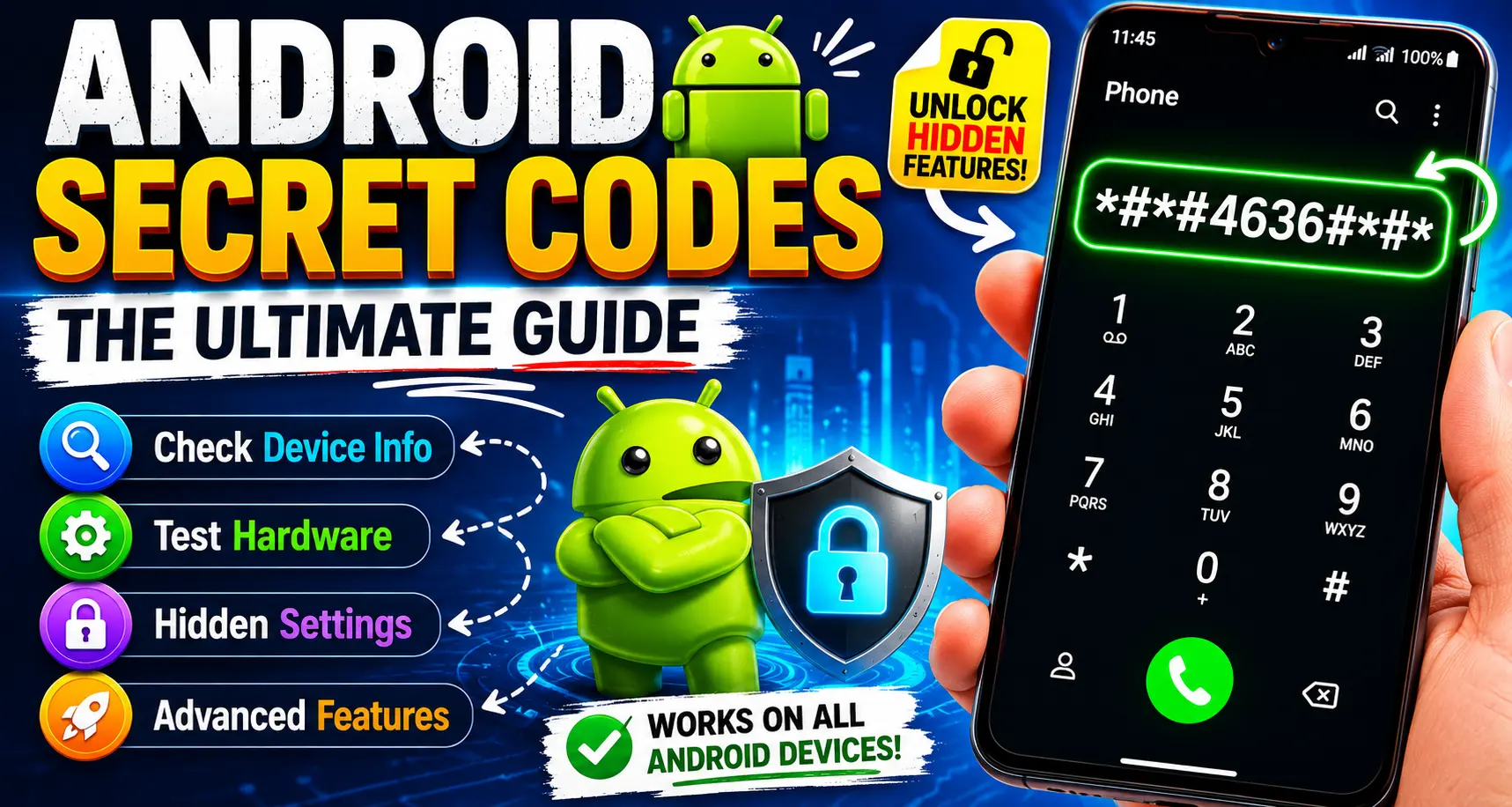
Android Secret Codes: The Ultimate Guide to Hidden Features on Your Android Phone
If you own an Android smartphone, you are sitting on a goldmine of hidden features. Android Secret Codes are special dial-pad sequences that unlock diagnostic menus, hardware tests, device information panels, and system settings that are not accessible through the regular user interface. Whether you want to check your IMEI number, run a GPS test, or diagnose a touchscreen problem, these codes give you direct access to your device’s inner workings — no root required.
This guide is your comprehensive, up-to-date resource for every major Android Secret Codes you need to know in 2025. We cover what they are, how to use them safely, and exactly what each one does.
Mastering Instagram Instants: Tips, Tricks, and Essential Guide
What Are Android Secret Codes?
Android Secret Codes — also called USSD codes, MMI codes, or diagnostic codes — are sequences of numbers and symbols (typically using *, #, and digits) that you type directly into your phone’s dialer app. When entered correctly, they trigger hidden menus or perform specific actions instantly.
These codes exist because manufacturers and carriers need a quick way to test devices without navigating through layers of software menus. While some codes are universal across all Android phones, others are manufacturer-specific and may only work on Samsung, Motorola, OnePlus, or other particular brands.
Important: Always be cautious when using these codes. A small number of them — particularly factory reset codes — perform irreversible actions. Never enter a code unless you understand what it does.
How to Use Android Secret Codes
Using Android Secret Codes is straightforward:
- Open the Phone or Dialer app on your Android device.
- Type the full code exactly as shown (including
*,#, and all numbers). - In most cases, the action triggers automatically — you do not need to press the call button.
- For some codes, pressing call/dial may be required.
That is it. No downloads, no root access, no special permissions needed for the majority of codes listed here.
Android Secret Codes: Complete Master List
Below is a comprehensive breakdown of the most useful Android Secret Codes, organized by category for easy reference.
General Device Information Codes
These Android Secret Codes give you instant access to your phone’s identity and system details.
| Code | Function |
|---|---|
*#06# | Displays your IMEI number (International Mobile Equipment Identity) |
*#*#4636#*#* | Opens the Phone Info menu — battery stats, usage statistics, Wi-Fi info |
*#*#4986*2650468#*#* | PDA, Phone, Hardware, and RF Call Date Firmware Info |
*#*#1234## | Displays PDA and phone firmware information |
*#*#44336#*#* | Shows the software version, build date, and changelist number |
*#*#12580*369## | Displays both software and hardware information |
*#*#2222#*#* | Shows hardware version (ETA Hardware Version) |
*#*#1111#*#* | Displays ETA Software Version |
Why These Matter
Your IMEI number (*#06#) is critical if your phone is lost or stolen. Carriers use it to block devices from their networks. Store this number somewhere safe outside of your phone. The phone info menu (*#*#4636#*#*) is one of the most powerful general-purpose tools — it shows battery health, signal strength, and network type selection, making it a go-to for troubleshooting connectivity issues.
Hardware Diagnostic Android Secret Codes
These Android Secret Codes allow you to run complete hardware diagnostics.
| Code | Function |
|---|---|
*#*#0*#*#* | Runs all hardware tests simultaneously |
*#*#0673#*#* or *#*#0289#*#* | Runs an audio/speaker test |
*#*#0842#*#* | Tests vibration motor and backlight |
*#*#2664#*#* | Runs the touchscreen test |
*#*#2663#*#* | Displays the touch-screen version |
*#*#0588#*#* | Tests the proximity sensor |
*#*#3264#*#* | Shows the RAM version |
*#*#0673#*#* | Audio diagnostic test |
Diagnosing Your Device With These Codes
If your screen is acting up, *#*#2664#*#* lets you perform a live touchscreen test — every touch point is mapped in real time. For audio issues, *#*#0673#*#* plays tones through your earpiece, speaker, and headphone jack independently. These are the same tests that certified repair technicians use, and they are available to you for free.
Display and Camera Android Secret Codes
| Code | Function |
|---|---|
*#*#34971539#*#* | Opens detailed camera information and firmware |
*#*#34971539#*#* | Shows camera details including firmware version |
*#*#0673#*#* | LCD display test |
Samsung’s service menus also include additional camera codes that vary by model. If you want to learn more about Android camera capabilities and settings, Android Authority’s camera guide is an excellent external resource.
Wi-Fi and Network Android Secret Codes
Stay on top of your wireless connectivity with these Android Secret Codes.
| Code | Function |
|---|---|
*#*#232339#*#* | Wi-Fi information and test |
*#*#232338#*#* | Displays your Wi-Fi MAC address |
*#*#526#*#* or *#*#528#*#* | Wireless LAN test |
*#*#7262626#*#* | Opens the field test menu for signal/network strength |
*#*#232337#*#* | Shows your Bluetooth device address |
*#*#232331#*#* | Bluetooth test menu |
*#*#273283*255*663282*#*#* | Opens a file backup activity for media files |
*#*#197328640#*#* | Opens the test mode for service activity |
Understanding Your Network Signal
The field test menu (*#*#7262626#*#*) gives you raw signal data in dBm rather than the bars displayed in your status bar. In general, a signal of -70 dBm or stronger is excellent, while anything below -100 dBm is poor. This is especially useful if you are experiencing dropped calls or slow data speeds.
For an in-depth explanation of Android network diagnostics, GSMArena’s network testing guide provides detailed technical breakdowns.
GPS and Location Android Secret Codes
| Code | Function |
|---|---|
*#*#1472365#*#* | GPS information and test |
*#*#1575#*#* | Different GPS test menu |
*#*#0283#*#* | Packet loopback test |
The GPS test menu is invaluable if your navigation apps are performing poorly. It shows satellite lock status, signal strength per satellite, and location accuracy in real time — information that apps like Google Maps do not expose directly.
Power and Performance Android Secret Codes
| Code | Function |
|---|---|
*#*#7594#*#* | Changes the power button behavior — enables direct power-off (bypasses the slide/menu) |
*#*#8255#*#* | Opens Google Talk service monitor (G-Talk monitoring) |
Android Secret Codes for Reset and Restore
Warning: The codes in this section are powerful and in some cases irreversible. Read each description carefully before proceeding.
| Code | Function |
|---|---|
*#*#7780#*#* | Factory reset — removes app data and Google account settings, but keeps system files |
*2767*3855# | Full/hard reset — wipes everything including firmware; reinstalls the phone’s firmware from scratch |
*#*#4636#*#* | Restore factory settings (also listed under info — behavior varies by device) |
Factory Reset vs. Full Reset: Key Difference
A factory reset (*#*#7780#*#*) removes your personal data and app data but leaves the Android operating system intact. A full reset (*2767*3855#) goes further — it wipes and reinstalls the phone’s firmware, essentially returning the device to the state it shipped in. Only use the full reset if you are experiencing deep software corruption or preparing a device for resale.
Always back up your data before running any reset command. Google’s built-in backup tool (Settings > System > Backup) can save your contacts, app data, photos, and more to your Google account.
Samsung-Specific Android Secret Codes
Samsung devices have a rich set of manufacturer-specific Android Secret Codes beyond the universal ones.
| Code | Function |
|---|---|
*#0*# | Opens Samsung’s comprehensive hardware test menu |
*#*#0842#*#* | Vibration and backlight test |
*#1234# | Shows firmware version (PDA, CSC, MODEM) |
*#12580*369# | Full software and hardware info |
*#9090# | Diagnostic configuration |
*#0011# | Service mode — shows SIM card information and network details |
*#0228# | Battery status (voltage, temperature, charge level) |
*#32489# | Cipher info (encryption test) |
Samsung’s service menu (*#0*#) is one of the most complete diagnostic panels available on any Android device — it includes individual tests for every sensor, display panel, speaker, microphone, and camera.
Android Secret Codes for Call Settings
| Code | Function |
|---|---|
*#*#8351#*#* | Enables voice call forwarding log (some devices) |
*#*#8350#*#* | Disables voice call forwarding log |
These codes are useful for troubleshooting call forwarding issues, particularly on carrier-locked devices where the standard settings menu may be restricted.
Are Android Secret Codes Safe to Use?
The vast majority of Android Secret Codes are completely safe. They open read-only information panels or run diagnostic tests that do not modify any system settings. The codes you need to treat with caution are clearly marked — specifically the reset codes (*#*#7780#*#* and *2767*3855#).
Here are a few safety tips:
- Never enter codes found on unverified websites without cross-referencing them.
- Test codes one at a time and note what each one does before moving on.
- Back up your device before using any reset-related code.
- Avoid codes that claim to unlock carrier restrictions — many of these are fake and some can damage device configuration.
For an authoritative overview of Android security best practices, Google’s official Android Security Center is the best reference point.
Troubleshooting: Why Won’t My Android Secret Code Work?
If a code does not work, consider these reasons:
1. Device manufacturer differences. Many codes are manufacturer-specific. A Samsung code may not work on a Google Pixel, and vice versa.
2. Android version differences. Some codes were deprecated in newer Android versions. If you are running Android 12 or later, certain older codes may no longer function.
3. Carrier restrictions. Some carriers disable specific diagnostic menus, particularly on locked devices.
4. Typos. These codes are case-sensitive and spacing-sensitive. Double-check every character.
5. Regional firmware variants. The same phone model sold in different countries sometimes ships with different firmware that enables or disables certain codes.
Quick Reference: Most Useful Android Secret Codes
For everyday use, these are the ten most practical Android Secret Codes every Android user should know:
*#06#— Check your IMEI instantly*#*#4636#*#*— Full phone info, battery health, and network stats*#*#0*#*#*— Run all hardware tests at once*#*#2664#*#*— Test your touchscreen responsiveness*#*#232338#*#*— Find your Wi-Fi MAC address*#*#1472365#*#*— Check GPS signal quality*#*#0842#*#*— Test vibration motor and backlight*#*#232331#*#*— Bluetooth connectivity test*#*#44336#*#*— Check your current software version*#*#7262626#*#*— View raw network signal strength
Android Secret Codes vs. Third-Party Apps
You might wonder whether it is better to use these built-in Android Secret Codes or download a third-party diagnostic app. Here is a quick comparison:
| Feature | Secret Codes | Third-Party Apps |
|---|---|---|
| Requires download | No | Yes |
| Requires internet | No | Sometimes |
| Access to deep hardware data | Yes | Limited |
| Risk of malware | None | Possible |
| Works offline | Yes | Varies |
| User-friendly interface | No | Usually yes |
For raw hardware diagnostics, secret codes win every time. Third-party apps are better for ongoing monitoring with a polished UI.
Conclusion: Make the Most of Android Secret Codes
Android Secret Codes are a powerful, built-in toolkit that most users never discover. From verifying your IMEI and testing hardware components to checking Wi-Fi MAC addresses and GPS signal quality, these codes put professional-grade diagnostic capabilities directly in your hands — with nothing to install and no special permissions required.
The next time your Android device behaves unexpectedly, before you head to a repair shop, try the relevant diagnostic code from this guide. You might solve the problem yourself in minutes.
Bookmark this page and refer back to it whenever you need a quick hardware check, a network diagnostic, or just want to explore what your Android device is truly capable of. Android Secret Codes are one of the most underutilized features of the Android ecosystem, and now you know how to use them like a pro.
For more Android tips, tricks, and technical guides, explore resources at Android Authority and XDA Developers — two of the most trusted communities for Android enthusiasts.