Easy to Use Online PDF Editor: A Complete Guide to Sejda.com
You will be redirected in 10 seconds
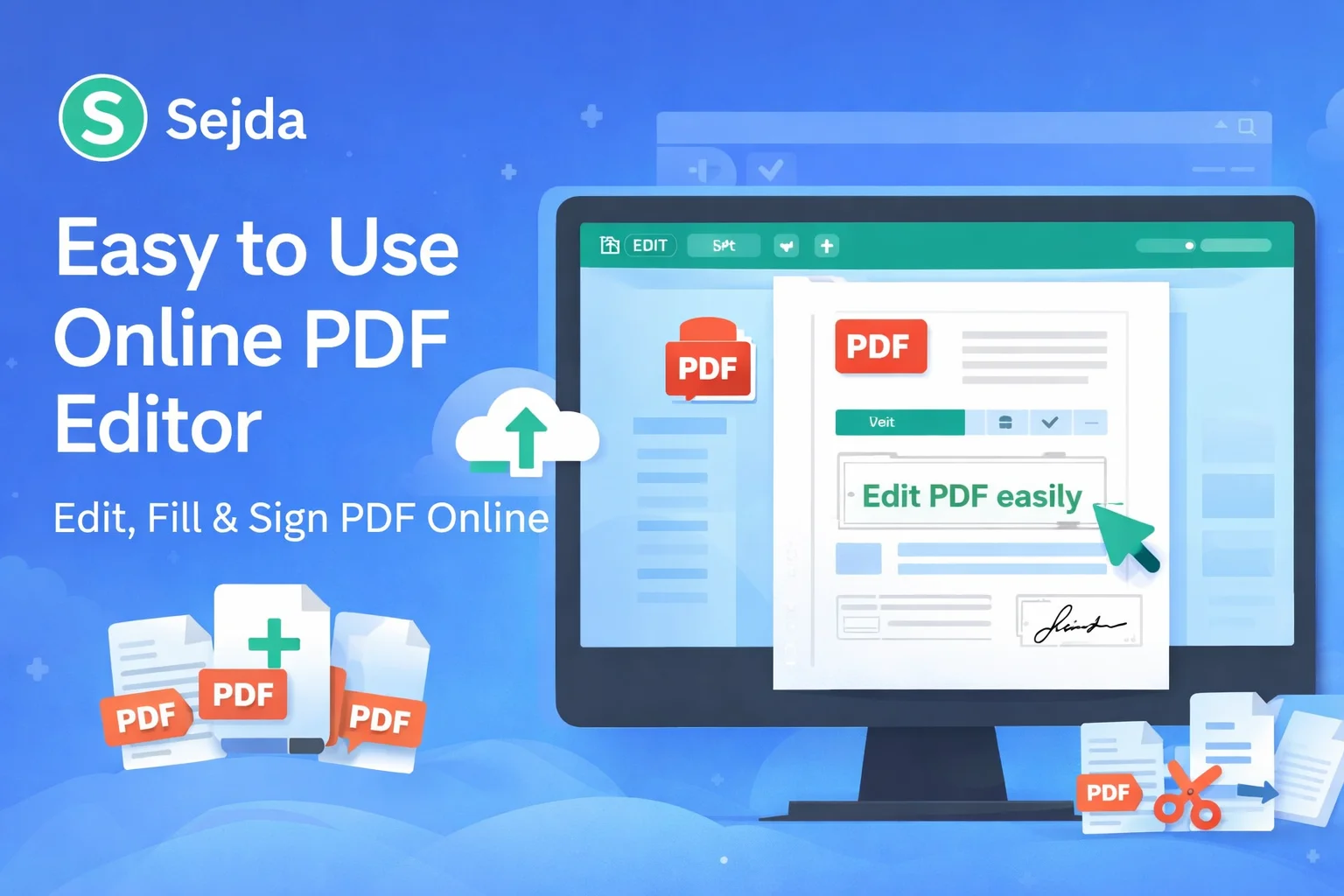
Please wait…Working with PDF files has become a daily need for students, professionals, business owners, and content creators. Whether it is editing text, filling out forms, signing documents, or converting files, users want a solution that is fast, simple, and secure. This is where Sejda.com, an easy to use online PDF editor, stands out.
In this detailed guide, we will explore what Sejda.com is, its key features, how it compares with other PDF tools, and why it is considered one of the best online PDF editors available today. We will also discuss when you should use Sejda and how it fits perfectly into a modern, paperless workflow.
What is Sejda.com?
Sejda.com is a powerful online PDF editor designed for users who want to edit, manage, and customize PDF files directly from their browser. It removes the need for installing heavy software and works smoothly on Windows, macOS, Linux, Android, and iOS devices.
The platform focuses on simplicity and privacy. According to Sejda, uploaded files stay private and are automatically deleted after a short period, which is a big plus for users handling sensitive documents.
Sejda is widely used for:
- Editing PDF text
- Filling PDF forms
- Signing PDF documents
- Merging and splitting PDFs
- Compressing PDF files
- Converting PDFs to Word, Excel, or images
Why Online PDF Editors Are in High Demand
PDF is one of the most popular document formats because it preserves layout and formatting across devices. However, editing PDFs has traditionally been difficult without paid desktop software.
Online PDF editors like Sejda solve this problem by offering:
- Instant access without installation
- Compatibility with all devices
- Quick editing and conversion
- Affordable or free options for basic use
For users who frequently work with documents, these benefits save both time and money.
Key Features of Sejda Online PDF Editor
1. Edit PDF Files for Free
Sejda allows users to edit PDF files directly online. You can add or modify text, insert images, and adjust formatting without converting the file first. This makes it ideal for quick corrections or updates.
The interface is clean and beginner-friendly, so even first-time users can edit PDFs without confusion.
2. Fill and Sign PDF Documents
One of the most useful features of Sejda is the ability to fill and sign PDF forms. You can:
- Type directly into form fields
- Add checkboxes and radio buttons
- Insert digital signatures
This feature is especially useful for contracts, job applications, government forms, and business agreements.
3. Upload PDF or Start with a Blank Document
Sejda gives flexibility to users. You can upload an existing PDF or start with a blank document and build your PDF from scratch. This is helpful when creating custom forms, templates, or simple documents.
4. Strong Privacy and Security
Privacy is a major concern when uploading documents online. Sejda addresses this by automatically deleting uploaded files after a limited time. Files remain private and are not shared or indexed.
This makes Sejda a reliable option for handling confidential documents.
5. PDF Conversion Tools
Sejda also offers PDF conversion features. You can convert:
- PDF to Word
- PDF to Excel
- PDF to JPG or PNG
If your main goal is converting PDF files into editable Word documents, you can also explore this reliable internal resource:
👉 PDF to Word Converter Free
Using the right tool for the right task improves both speed and accuracy.
6. Merge, Split, and Compress PDFs
Sejda includes essential PDF management tools:
- Merge multiple PDFs into one
- Split large PDFs into smaller files
- Compress PDFs to reduce file size
These tools are extremely helpful for email sharing, storage optimization, and document organization.
User Experience and Interface
One of the strongest points of Sejda.com is its user experience. The layout is simple, clean, and distraction-free. Tools are clearly labeled, and each function is explained in plain language.
Even users with no technical background can complete tasks in just a few clicks. This ease of use is why Sejda is often recommended for students and non-technical professionals.
Sejda Free vs Paid Version
Sejda offers both free and paid plans.
Free Version
- Limited number of tasks per day
- File size and page limits
- Access to core features
Paid Version
- Unlimited tasks
- Larger file support
- Desktop and web access
For occasional users, the free version is often enough. Heavy users or businesses may find the paid plan more suitable.
Who Should Use Sejda.com?
Sejda is ideal for:
- Students editing assignments or notes
- Job seekers filling application forms
- Freelancers signing client contracts
- Small businesses managing invoices and documents
- Bloggers and writers editing PDFs
If you want a balance between simplicity, functionality, and privacy, Sejda is a strong choice.
Sejda vs Other Online PDF Editors
Compared to many other PDF editors, Sejda stands out because:
- It does not overwhelm users with complex menus
- It focuses on essential features that people actually use
- It respects user privacy with auto-deletion
While some tools specialize only in conversion or compression, Sejda provides a complete PDF editing solution under one roof.
SEO and Productivity Benefits of Using Online PDF Tools
From an SEO and productivity perspective, tools like Sejda help content creators and website owners:
- Quickly edit downloadable PDFs
- Update lead magnets and reports
- Create professional documents without designers
Combined with converters like the PDF to Word tool mentioned earlier, your workflow becomes faster and more efficient.
Final Thoughts: Is Sejda.com Worth Using?
Yes, Sejda.com is absolutely worth using if you need an easy to use online PDF editor. It combines simplicity, essential features, and strong privacy practices in one platform. Whether you are editing text, signing documents, or managing PDFs, Sejda delivers reliable performance without unnecessary complexity.
For users who frequently convert PDFs into editable formats, pairing Sejda with a dedicated PDF to Word converter free tool can give the best results.
If you want a trusted, user-friendly, and secure online PDF editor, Sejda.com is a smart choice.