Resize Image to 20 KB Online
Fast, free, and secure. Compress photos for forms and IDs perfectly.
Click or Drop Images Here
Target: Always under 20KBResize Image to 20KB – Complete Guide, Features, Use Karne ka Tarika
Aaj ke digital zamane mein image size ka control karna bahut zaroori ho gaya hai. Chahe aap government form bhar rahe ho, online exam ke liye apply kar rahe ho, ya apni website manage kar rahe ho — har jagah image size limit hoti hai. Bahut portals specifically 20KB image size demand karte hain.
Isi problem ka simple aur effective solution hai Resizer Image to 20KB tool. Is article mein hum seedhi aur kaam ki baat karenge:
Yeh tool kya karta hai
Iske features kya hain
Iske fayde kya hain
User ise kaise use kare
SEO aur website speed par iska kya impact hai
Agar aap directly online tool use karna chahte hain, toh yeh page visit kar sakte hain:
👉 Image Resizer Online in KB
Resize Image to 20KB Online Kya Hai?
Image Resizer to 20KB ek online image compression tool hai jo photo ko automatically compress karke 20KB ke under laata hai. Yeh especially useful hai jab:
Government form mein photo upload limit hoti hai
Exam application portal exact file size maangta hai
Passport size photo ko specific size mein upload karna hota hai
Website ke liye lightweight image chahiye hoti hai
Is tool ka main goal hai image ko optimize karna bina unnecessary quality kharab kiye.
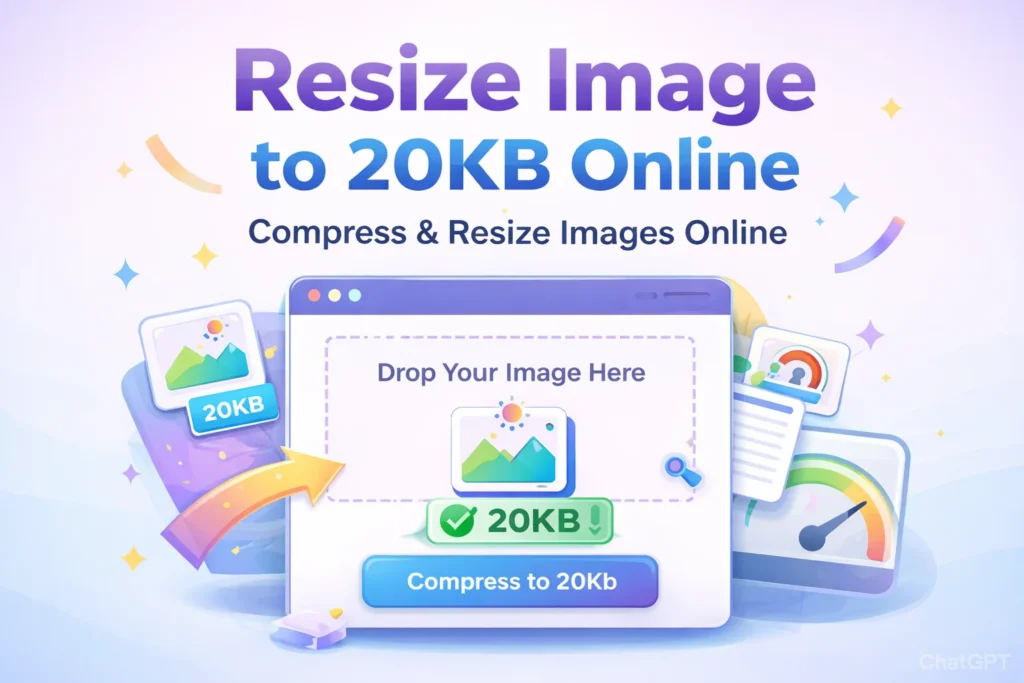
Image Resizer to 20KB Ke Main Features
1. Automatic Compression System
Tool image ko step-by-step compress karta hai jab tak file size 20KB se kam na ho jaye. Is process mein:
Quality gradually reduce hoti hai
File size check hota rehta hai
Final output optimized milta hai
User ko manually guesswork nahi karna padta.
2. Smart Resize Technology
Agar image bahut large dimension mein hai, toh tool automatically:
Width aur height adjust karta hai
Aspect ratio maintain karta hai
Phir compression apply karta hai
Isse image distort nahi hoti.
3. Multiple Image Support
Ek hi baar mein multiple images upload ki ja sakti hain. Har image separately compress hoti hai aur download ho jati hai.
Yeh feature students aur bulk processing ke liye kaafi useful hai.
4. Secure Processing
Image processing browser ke andar hoti hai. Iska matlab:
✔ Image permanently server par store nahi hoti
✔ Data privacy maintain rehti hai
✔ Fast processing milti hai
5. Simple & Easy Interface
Tool ka interface clean aur simple hai:
Click karke image upload karo
Compress button dabao
Download karo
Koi technical knowledge ki zarurat nahi.
Resize Image to 20KB Online Ke Fayde
1. Government Form Rejection Se Bachav
India ke kai recruitment portals jaise:
UPSC
SSC
Railway Recruitment Board
Inmein photo size strict hota hai. Agar image 20KB se zyada hui toh upload reject ho sakta hai.
Yeh tool exact required size generate karta hai.
2. Website Speed Improve
Search engines jaise:
Google
Bing
Fast-loading websites ko prefer karte hain.
Compressed images ka impact:
✔ Faster page load
✔ Better mobile performance
✔ Improved user experience
✔ Lower bounce rate
3. Time Saving Solution
Manual editing software use karke exact 20KB achieve karna difficult hota hai. Yeh tool automatically size adjust karta hai, jisse time aur effort dono bachte hain.
4. Hosting Bandwidth Save
Website owners ke liye optimized images ka matlab:
Kam bandwidth usage
Faster delivery
Better performance
🚀 Image Resize & Compress Guide
Follow karein yeh simple steps apni image ko 20KB ke under lane ke liye:
Tool Open Karein
Visit karein: soarlabs.org/image-resizer-in-cm/ 🔗
Image Upload Karein
Drop zone par click karein. Aap JPG ya WebP files select kar sakte hain. Multiple images bhi supported hain! 📸
Compress Button
Bas “Compress to 20KB” button par click karein. ✨
Automatic Optimization
Tool automatically Resize aur Compress karke image ko 20KB ke under ready kar dega. ⚙️
Download Karein
Aapki final optimized image direct download ho jayegi. Done! ✅
🎯 Final Conclusion
Resize Image to 20KB Online ek fast, simple aur reliable image compression tool hai jo exact size requirement meet karta hai bina unnecessary quality loss ke.
Form rejection se bach sakte hain
Website speed improve kar sakte hain
Time save kar sakte hain
Professional results pa sakte hain
Aaj hi try karein aur apni images ko perfect 20KB format mein convert karein. 🚀
Try It Now