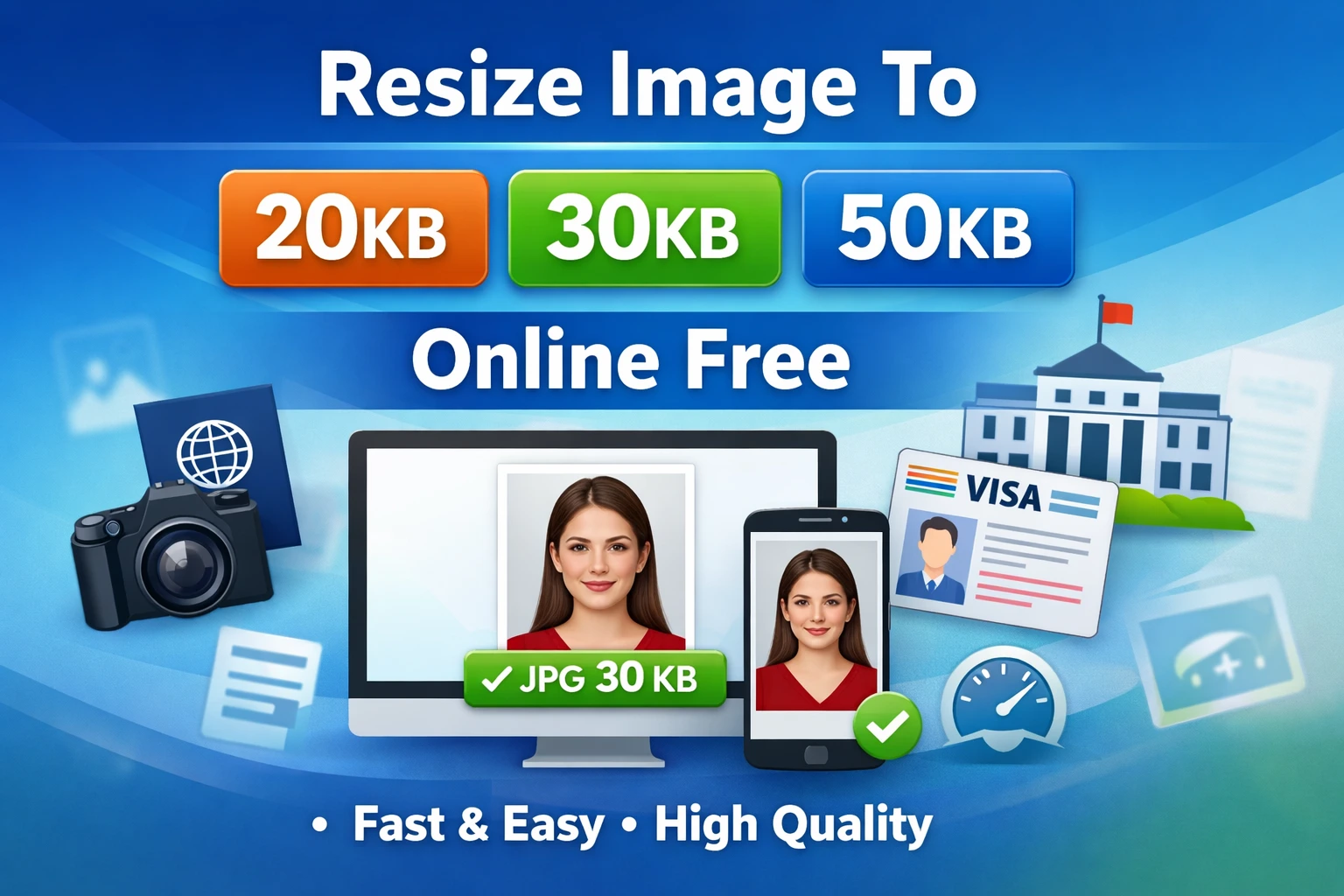
Resize Image to 20KB Online Free, 30KB, 50KB JPG Format
In today’s digital-first world, uploading documents online has become unavoidable. Whether you are applying for a government job, registering for an entrance exam, submitting a scholarship form, or completing passport and visa applications, one requirement remains constant: your photo must meet strict size and format guidelines.
📉 Resize Documents to 100KB
Facing ‘File Size Limit Exceeded’ errors while uploading your documents? Use our fast, free online tool to compress any file to under 100KB instantly without losing quality.
Resize to 100KB Now →One of the most common instructions users encounter is to Resize Image to 20KB Online Free in JPG format. While this sounds simple, it often becomes frustrating in practice. High-quality smartphone photos and studio images are usually much larger than the allowed size, while aggressive compression can make photos blurry or unacceptable.
That’s why search terms like “Resize Image to 20KB Online Free,” “resize image to 20KB to 50KB,” “Resize Image to 20KB Online Free,” and “50KB photo size JPG” are extremely popular.
This detailed guide explains why these size limits exist, how to resize images accurately without losing quality, common mistakes to avoid, and the easiest way to convert photos into the 20KB–50KB range online for free.
Why Image Size Between 20KB and 50KB Is Mandatory
Most official websites enforce strict photo size limits for practical and technical reasons. These rules are carefully designed to ensure smooth functioning of online systems.
Faster Uploads for All Users
Smaller image sizes make uploads faster and more reliable, especially for users with slow or unstable internet connections. Large image files often fail during submission, causing frustration and repeated attempts.
Reduced Server Load
Government portals, educational institutions, and financial platforms handle millions of applications daily. Restricting photo size to 20KB–50KB helps manage server storage efficiently and keeps systems responsive.
Uniform Appearance
Standardized image sizes ensure that all uploaded photos look consistent across databases and application forms. This makes verification and record management easier for authorities.
Improved Security
Strict file size and format rules reduce the risk of malicious uploads, corrupted files, or system errors. Smaller, standardized JPG files are safer and easier to process.
Because of these reasons, many portals clearly state instructions such as “upload photo between 20KB and 50KB in JPG format only.”
What People Actually Search For Online
Most users are not interested in technical image-editing concepts. They want a fast, free, and reliable solution. Common searches include:
- Resize Image to 20KB Online Free
- Resize image to 30KB Online Free
- Resize image to 20KB to 50KB
- Resize image to 50KB online
- 50KB photo size JPG
- Resize image to 100KB Online Free
- Resize Image to 20KB, 30KB, 50KB Online Free ( Image Resizer Tool)
All these searches have one shared goal: achieving an exact file size without losing image clarity.
Resize vs Compress: Understanding the Difference
A common mistake is assuming that resizing image dimensions alone will reduce the file size to the required KB range.
- Resizing changes the width and height of an image (measured in pixels).
- Compression reduces file size by optimizing how image data is stored.
While resizing helps, compression plays a much bigger role in reaching precise targets like 20KB or 50KB. The best tools combine resizing and compression to maintain clarity while achieving the exact file size.
Why JPG Is the Best Format for 20KB–50KB Photos
When it comes to small file sizes and wide compatibility, JPG (JPEG) is the most recommended format. Almost all official portals prefer or require JPG images.
Benefits of JPG Format:
- Smaller file size compared to PNG
- Excellent compression capability
- Good visual quality even at low KB
- Supported by all browsers and websites
If your image is in PNG or another format, converting it to JPG is often the first and most important step toward creating a perfect 50KB photo size JPG.
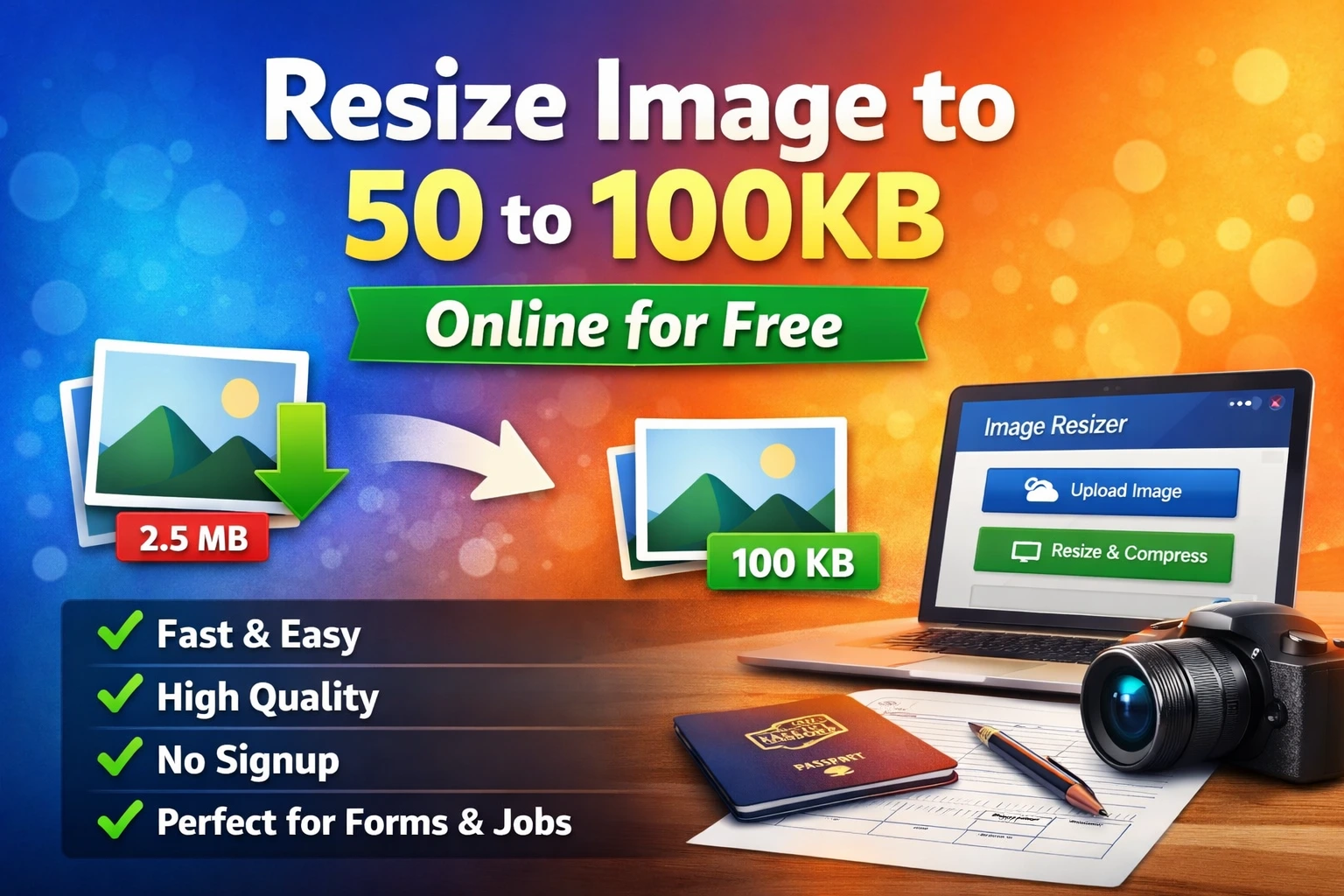
How to Resize Image to 20KB Online Free or 100KB
You don’t need professional software or technical skills to resize images accurately. With the right online tool, the process is quick and simple.
Step-by-Step Process:
- Upload your original image (from phone or computer)
- Select JPG/JPEG as the output format
- Choose your target size (20KB, 30KB, 50KB, or 100KB)
- Adjust image quality gradually if needed
- Download the resized image and verify its final size
This method works effectively whether you need to resize an image to 30KB for an exam form or 50KB for a government application.
Use a Free Online Image Resizer Tool (Recommended)
For users who want fast and accurate results, using a reliable Online Image Resizer Tool is the easiest solution. This free tool allows you to Resize Image to 20KB Online Free, 30KB, or 50KB JPG without installing any software.
Why This Method Works Best:
- No registration or login required
- Works on mobile and desktop devices
- Precise KB-level file size control
- No watermark on downloaded images
- Maintains image clarity
With a good online resizer, converting a photo into the 20KB–50KB range takes less than a minute.
Resizing Images Inside PDF Files
Sometimes, photos are embedded inside PDF documents instead of being stored as separate image files. This is common for scanned documents, application forms, or downloaded PDFs.
In such cases, you must first extract or convert the PDF into an editable format. Using a reliable PDF to Word converter allows you to access images inside the document easily. Once extracted, you can resize the photo to 20KB, 30KB, or 50KB, then upload it according to the portal’s requirements.
If the final submission requires a PDF, you can reinsert the resized image into a new PDF afterward.
Common Mistakes That Lead to Application Rejection
Many applications are rejected not due to eligibility issues, but because the uploaded photo does not meet technical requirements.
Avoid These Common Errors:
- Uploading PNG instead of JPG
- Over-compressing images until faces become blurry
- Ignoring exact size limits (even 1–2KB matters)
- Uploading screenshots instead of proper photos
- Not checking the final file size before submission
Always verify format, clarity, and file size before uploading.
Where Image Size Rules Are Most Strict
Precise image sizing is especially important on:
- Government job application portals
- School and college admission systems
- Passport and visa application websites
- Banking and financial service platforms
- Scholarship and competitive exam forms
Most of these platforms use automated validation systems. If your image does not meet the exact criteria, the upload may fail instantly or your application may be rejected.
Tips to Maintain Image Quality at Low KB Size
- Start with a clear, well-lit photo
- Avoid excessive background details
- Reduce quality gradually instead of aggressively
- Always preview the final image before uploading
- Use JPG format for best compression
These small steps help ensure your resized image remains acceptable for official use.
Frequently Asked Questions (FAQs)
1. How can I Resize Image to 20KB Online Free or 50KB online for free?
You can Resize Image to 20KB Online Free or 50KB by using a free online image resizer tool. Upload your photo, choose JPG format, set the target file size, adjust quality if needed, and download the resized image instantly.
2. Why do government websites require photo size between 20KB and 50KB?
Government portals set photo size limits to ensure faster uploads, reduced server load, uniform data storage, and improved system security. Even a small size difference outside the allowed range can cause rejection.
3. Does resizing image dimensions reduce file size accurately?
Not always. Reducing width and height helps, but compression plays a bigger role in reaching exact sizes like 20KB or 50KB. The best results come from combining resizing and compression.
4. Which image format is best for 20KB to 50KB photo size?
JPG (JPEG) is the best format for 20KB–50KB images. It offers better compression, smaller file size, good visual quality, and is accepted by almost all official websites.
5. What should I do if my photo is inside a PDF file?
If your photo is embedded in a PDF, first convert the PDF to an editable format or extract the image. After resizing the image to the required KB size, upload it or reinsert it into a PDF if needed.
Final Conclusion
Resize Image to 20KB Online Free, 30KB, or 50KB JPG is no longer optional—it is a critical requirement for most online applications. Whether you need to resize an image to 20KB for a government form or create a perfect 50KB photo size JPG, understanding compression, format selection, and proper resizing techniques is essential. Resize Image to 20KB Online Free
Using a reliable online image resizer simplifies the entire process. It saves time, preserves image quality, and ensures compliance with strict upload guidelines.
Before submitting any form, always double-check the image size, format, and clarity. A small mistake of a few kilobytes can lead to rejection or delays.