Image Resizer In CM
Convert your images to exact centimeter dimensions for high-quality printing (300 DPI).
Click to Upload Images
Image Resizer in CM Online – High Quality Printing Ke Liye Best Tool
Aaj ke digital daur mein images ka sahi size aur resolution maintain karna bahut zaroori ho gaya hai, especially jab aap printing ke liye photos prepare kar rahe ho. Agar aapko passport photo, ID card, certificate ya kisi bhi document ke liye exact centimeter (cm) dimensions chahiye, toh Image Resizer in CM Online ek powerful aur easy-to-use solution hai.
Is article mein hum detail mein samjhenge ki Image Resizer in CM Online kya hai, kaise kaam karta hai, kaun log use kar sakte hain aur kyun yeh printing ke liye perfect hai.
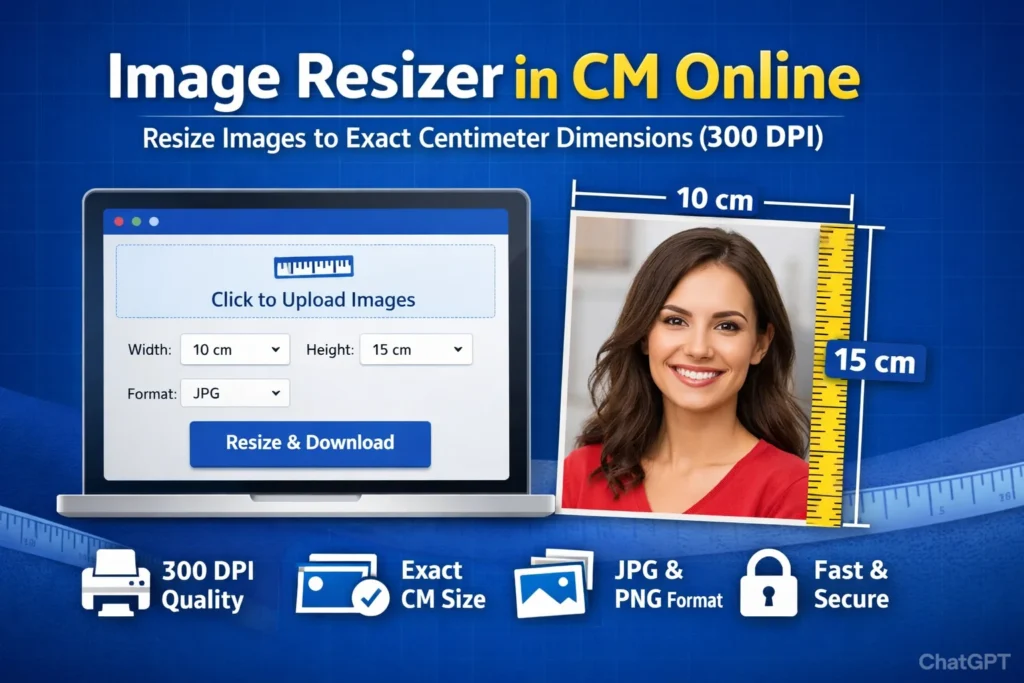
Image Resizer in CM Online Kya Hai?
Image Resizer in CM Online ek precision-based online tool hai jo aapki images ko exact centimeter dimensions mein convert karta hai. Yeh tool specially printing requirements ke liye design kiya gaya hai jahan accurate width aur height zaroori hoti hai.
Jaise:
Passport size photo
Visa application photo
ID card image
Photo frame print
School/College forms
Yeh tool 300 DPI (Dots Per Inch) standard follow karta hai, jo high-quality print ke liye industry standard mana jata hai.
300 DPI Ka Importance Kya Hai?
Printing ke liye resolution sabse important factor hota hai. 300 DPI ka matlab hai ki ek inch mein 300 dots print hote hain, jo image ko sharp aur clear banata hai.
Formula jo use hota hai:
Is calculation ke through tool automatically cm ko pixels mein convert karta hai taaki aapko perfect print output mile.
Agar aapko image ka file size bhi 50KB tak reduce karna ho, toh aap yeh trusted online tool use kar sakte hain: Compress Image to 50KB Online
Image Resizer in CM Online Kaise Kaam Karta Hai?
Yeh tool bahut hi simple process follow karta hai:
Image upload karein (single ya multiple)
Width aur Height cm mein enter karein
Output format select karein (JPG ya PNG)
Resize & Download button par click karein
Bas! Aapki image exact cm dimensions mein ready ho jayegi.
Key Features of Image Resizer in CM Online
1. Exact CM Dimensions
Aap apni requirement ke hisaab se exact width aur height set kar sakte hain.
2. 300 DPI High Quality Output
Printing ke liye perfect sharpness maintain karta hai.
3. Multiple Image Support
Ek saath multiple images resize kar sakte hain.
4. JPG & PNG Format
Standard JPG aur transparent PNG dono format available hain.
5. No Software Installation
Yeh completely online tool hai – kisi bhi device par use karein.
Kaun Use Kar Sakta Hai?
Students (exam forms ke liye photo resize)
Photographers
Printing shop owners
Graphic designers
Government form applicants
E-commerce sellers
Agar aap regular printing ka kaam karte hain, toh yeh tool aapka time aur effort dono save karega.
Image Size Kam Karna Bhi Zaroori Hai?
Kabhi-kabhi sirf dimension hi nahi, balki file size bhi important hota hai. Jaise:
Online form upload limit (50KB, 100KB)
Website speed optimization
Email attachment limit
Agar aapko image ka file size reduce karna ho, toh aap hamara internal tool use kar sakte hain:
👉 https://soarlabs.org/image-compressor-to-50kb/
Yeh tool specially 50KB tak image compress karne ke liye optimized hai.
JPG vs PNG – Kaunsa Format Choose Karein?
JPG (Recommended for Photos)
Smaller file size
Fast loading
Best for photographs
PNG (Recommended for Graphics)
Transparent background support
High clarity for logos
Better for design elements
Agar aapko printing ke liye simple photo chahiye toh JPG best option hai.
Image Resizer in CM Online Use Karne Ke Benefits
✔ Time saving
✔ Accurate dimension control
✔ Professional print output
✔ No technical knowledge required
✔ 100% browser-based processing
Sabse important baat – aapko kisi third-party software ki zaroorat nahi padti.
Frequently Asked Questions (FAQs)
Q1: Kya yeh tool free hai?
Haan, yeh completely free use ke liye available hai.
Q2: Kya mobile par kaam karega?
Haan, yeh responsive design hai aur mobile-friendly hai.
Q3: Kya main multiple images resize kar sakta hoon?
Bilkul, aap ek saath multiple images upload kar sakte hain.
Q4: Kya quality lose hogi?
Nahi, 300 DPI maintain hone ki wajah se printing quality sharp rehti hai.
Image Resizer in CM Online – Final Verdict
Agar aapko exact centimeter dimensions mein high-quality images chahiye printing ke liye, toh Image Resizer in CM Online ek reliable aur professional solution hai. Yeh tool specially un logon ke liye design kiya gaya hai jo accuracy aur quality dono chahte hain.
Chahe aap student ho, photographer ho ya website owner – yeh tool aapke workflow ko simple aur efficient bana deta hai.