Document Conversion Tool
Convert PNG to PDF Free No Sign Up | Fast & Easy Online Tool
Turn your PNG images into professional PDF documents in seconds. Our PNG to PDF converter supports multiple images, customizable page size/orientation, and merges them into a single PDF – or one PDF per image. No signup, no upload, all done locally in your browser.
Click or drag & drop PNG images (multiple allowed)
What Is a PNG to PDF Converter?
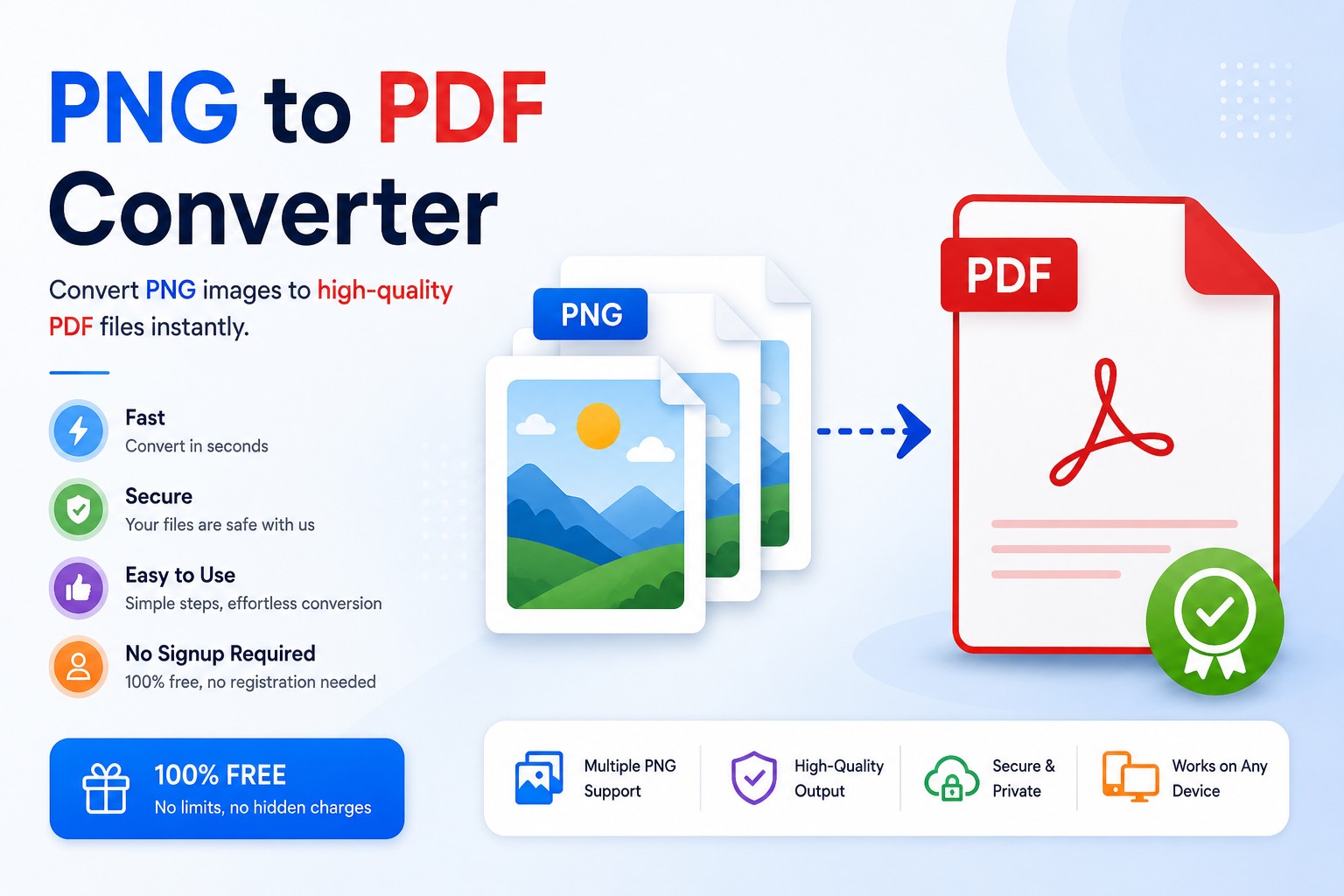
A PNG to PDF converter transforms your image files into a portable document format (PDF) that is universally viewable and printable. Unlike PNG, PDFs preserve layout across devices, support multiple pages, and are the standard for official documents, invoices, presentations, and portfolios. Our tool lets you merge several PNG images into one PDF or create separate PDFs for each image.
How to Use This PNG to PDF Converter
- Click or drag & drop one or more PNG images.
- Choose page size (A4, Letter, or Fit to image).
- Select orientation (portrait or landscape).
- Choose output mode: single merged PDF or separate PDFs.
- Click “Convert to PDF”.
- Download your PDF(s).
The conversion happens entirely in your browser using jsPDF – no file uploads, so your images stay private.
Who Benefits from a PNG to PDF Converter?
- Students converting lecture slides or notes.
- Professionals creating reports, invoices, or portfolios.
- Photographers providing high‑quality proofs.
- Anyone needing to print multiple images as a single document.
- Email users attaching multi‑page documents instead of many images.
How the Conversion Works (Technical)
Our tool uses the jsPDF library combined with HTML Canvas. Each PNG is loaded into a canvas element, then added to a PDF page. For “Fit to image” size, the PDF page dimensions are calculated based on the image’s aspect ratio. For A4/Letter, the image is scaled to fit within the page while preserving proportions. The result is a clean, print‑ready PDF.
PNG vs. PDF: When to Convert
- PNG is great for: web graphics, transparent backgrounds, lossless quality, single images.
- PDF is better for: documents, multi‑page content, printing, sharing, archiving, and legal submissions.
Converting PNG to PDF combines multiple images into a compact, searchable (if text is added) and professional format. Many online portals (government, educational, job applications) require PDF uploads – this tool helps you meet those requirements.
Frequently Asked Questions
Related Tools for Document & Image Workflows
Final Thoughts: Go Paperless with PNG to PDF
Converting PNG images to PDF is essential for modern document management. Use this PNG to PDF converter to create clean, sharable, printable documents from your image files. Whether you’re sending a multi‑page report, combining receipts, or creating a photo book – our tool makes it effortless. Bookmark this page and convert anytime.