Free Image Compressor
Click to upload image
JPG, PNG, WebP supported
Image Compressor to 50KB: Smart and Simple Image Optimization Guide
Aaj ke digital daur mein har chhoti-badi process online ho chuki hai—government job forms, college admissions, scholarship applications, blogging, eCommerce, aur social media sab kuch internet par depend karta hai. Lekin ek common problem jo lagbhag har user face karta hai, wo hai image file size ka zyada hona.
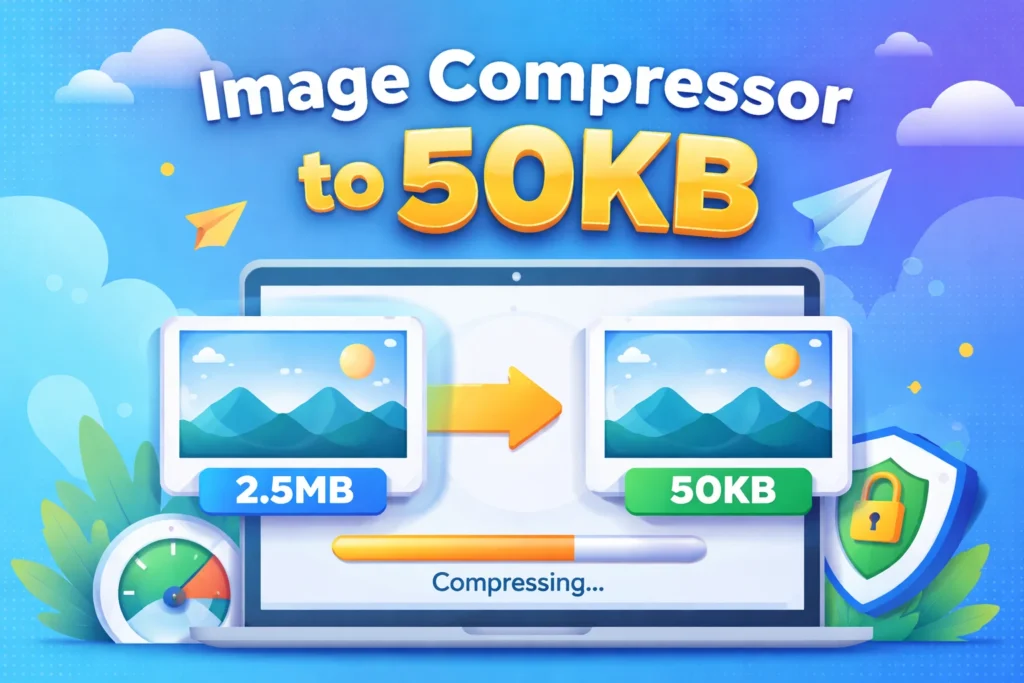
Smartphone se li gayi ek normal photo ka size 2MB se 8MB tak ho sakta hai. Lekin jab kisi portal par upload karne ki baat aati hai, wahan clearly likha hota hai: “Image size should be under 50KB.” Aise mein bina quality kharab kiye image ka size kam karna zaroori ho jata hai. Isi problem ka practical solution hai — image compressor to 50KB.
Is detailed aur fresh guide mein hum samjhenge ki image compression kya hai, 50KB limit kyun important hai, kaise safely compress karein, aur best practices kya hain.
Image Compression Kya Hota Hai?
Image compression ka matlab hota hai kisi image file ke size ko reduce karna taaki wo kam storage le aur jaldi upload ya download ho sake. Yeh process image ke unnecessary data ko remove karta hai ya pixels ko optimize karta hai bina visible quality ko zyada affect kiye.
Simple shabdon mein:
Same image, chhota size, fast performance.
Compression do tarah ka hota hai:
1. Lossy Compression
Ismein kuch image data permanently remove ho jata hai. Yeh file size ko kaafi kam karta hai aur web use ke liye perfect hota hai.
2. Lossless Compression
Ismein quality bilkul maintain rehti hai, lekin file size reduction thoda limited hota hai.
Agar target specifically 50KB hai, toh smart lossy compression zyada effective hota hai.
Image Compressor to 50KB Ki Zaroorat Kyun Padti Hai?
1. Government Job Aur Exam Portals
India mein SSC, UPSC, IBPS, Railway, Police, aur state-level recruitment portals par strict guidelines hoti hain:
Photograph: 20KB – 50KB
Signature: 10KB – 20KB
Agar aapki image 51KB bhi ho, system upload reject kar deta hai. Isliye exact size control bahut important hai.
2. Scholarship Aur College Forms
University portals aur scholarship websites par bhi size limit hoti hai. Large images upload hi nahi hoti.
3. Website Speed Improvement
Agar aap blogger ya website owner hain, toh heavy images aapki website ko slow kar deti hain. Page speed Google ranking factor hai. 50KB ya uske aas-paas optimized images:
Page load time reduce karti hain
Bounce rate kam karti hain
SEO score improve karti hain
4. Mobile Users Ke Liye Fast Experience
India mein bahut users mobile data par depend karte hain. Chhoti image files fast load hoti hain aur user experience better banati hain.
Image Compressor to 50KB Kaise Kaam Karta Hai?
Ek efficient compressor sirf quality kam nahi karta, balki intelligent optimization karta hai. Process generally in steps mein hota hai:
A. Metadata Removal
Har photo ke andar hidden data hota hai:
Camera model
Location (GPS)
Date aur time
Device details
Yeh data image ke liye zaroori nahi hota. Isko remove karne se size kam hota hai bina quality effect kiye.
B. Quality Adjustment
Compression algorithm image quality percentage ko intelligently adjust karta hai. Human eye ko noticeable difference nahi hota, lekin file size significantly reduce ho jata hai.
C. Dimension Resizing
Agar image bahut high resolution (jaise 4000×3000 px) mein hai, toh usko proportionally resize kiya jata hai. For example:
300×300 px passport photo ke liye kaafi hota hai
Website thumbnails ke liye 800px width sufficient hoti hai
D. Format Conversion
Kabhi-kabhi PNG file ko JPG ya WebP mein convert karne se size dramatically kam ho jata hai.
Step-by-Step Guide: Image Ko 50KB Mein Kaise Compress Karein
Agar aap manually process karna chahte hain, toh yeh simple steps follow karein:
Step 1: High Quality Original Image Choose Karein
Blur ya already compressed image upload karne se final result poor ho sakta hai.
Step 2: Image Resize Karein
Passport photo ke liye 200×200 ya 300×300 pixels kaafi hote hain.
Step 3: Format Select Karein
Photo ke liye JPEG best hota hai
Transparent background ke liye PNG
Modern optimization ke liye WebP
Step 4: Compression Level Adjust Karein
Quality 60–70% par set karke check karein. Agar size 50KB se upar hai, thoda aur reduce karein.
Step 5: Final Preview Check Karein
Face, text aur important details clear hone chahiye.
Image Quality Ko Kaise Maintain Rakhein?
50KB target achieve karte waqt quality compromise nahi karni chahiye. Yeh tips follow karein:
✔ Pehle Resize Karein, Phir Compress
Direct quality kam karne se image blur ho sakti hai.
✔ Crop Extra Background
Unnecessary white space remove karne se size naturally kam hota hai.
✔ 72 DPI Web Use Ke Liye Enough Hai
Print ke liye 300 DPI hota hai, lekin online forms ke liye 72 DPI sufficient hai.
✔ Over-Compression Avoid Karein
Agar text ya face distort ho raha hai, toh thoda compression kam karein.
Website Owners Ke Liye Special SEO Tips
Agar aap blog ya website chala rahe hain, toh image compression sirf size tak limited nahi hona chahiye.
1. Proper File Naming
Wrong: IMG_12345.jpg
Correct: image-compressor-to-50kb-guide.jpg
2. Alt Text Add Karein
Search engines ko image samajhne ke liye descriptive alt text zaroori hai.
3. Lazy Loading Enable Karein
Images tab load hon jab user scroll kare.
4. Responsive Images Use Karein
Mobile aur desktop ke liye alag sizes serve karein
Kaun Log Image Compressor to 50KB Use Karte Hain?
Yeh tool bahut logon ke liye helpful hai:
Government job aspirants
Students
Scholarship applicants
Bloggers
Web developers
Digital marketers
eCommerce sellers
Social media managers
Basically, jo bhi online upload karta hai, uske liye yeh zaroori hai.
Online vs Offline Compression Tools
Online Tools
Pros:
Fast
No installation
Easy to use
Cons:
Internet required
Privacy concern (agar server-side processing ho)
Offline Software
Pros:
Better control
Secure
Batch processing
Cons:
Installation needed
Beginners ke liye complex ho sakta hai
Agar tool client-side processing karta hai, toh wo privacy ke liye best hota hai.
Common Problems Aur Solutions
Problem 1: Image 50KB Se Zyada Hi Rehti Hai
Solution:
Dimensions aur reduce karein
PNG ko JPG mein convert karein
Quality thodi aur kam karein
Problem 2: Image Blur Ho Gayi
Solution:
Higher resolution original use karein
Compression level thoda increase karein
Problem 3: Portal Upload Accept Nahi Kar Raha
Solution:
Exact size 50KB ya usse kam ho
Required format check karein
Dimensions instructions follow karein
Kya 50KB Mein Achhi Quality Possible Hai?
Haan, bilkul possible hai — agar image properly optimized ho.
Suitable for:
Passport photos
ID cards
Profile pictures
Website thumbnails
Not suitable for:
Large banners
Print posters
Professional photography portfolios
Final Conclusion: Smart Compression, Better Results
Ek reliable image compressor to 50KB aapka online kaam bahut asaan bana sakta hai. Chahe aap government form bhar rahe hon, scholarship apply kar rahe hon, ya apni website ki speed improve karna chahte hon — optimized images hi success ki key hain.
Yaad rakhein:
Resize intelligently
Right format choose karein
Quality balance maintain karein
SEO best practices follow karein
Ab aapko heavy software jaise Photoshop ki zaroorat nahi. Smart compression techniques se aap minutes mein apni image ko perfect 50KB size tak la sakte hain.
Digital world mein speed aur efficiency hi sabse bada advantage hai — aur optimized images uska foundation hain.